

X15 TWS Bluetooth Wireless Earphones V5.1 In-Ear Headset for Sport And Gaming - Wholesale without Box Bluetooth Hearing Aids
black
$20.99
Ir directamente a la información del producto


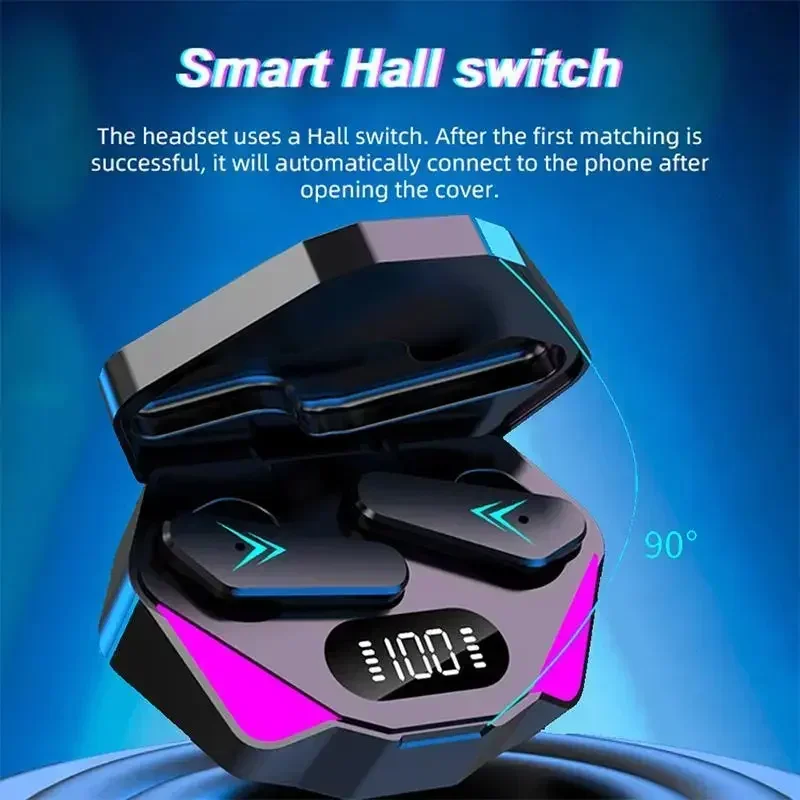

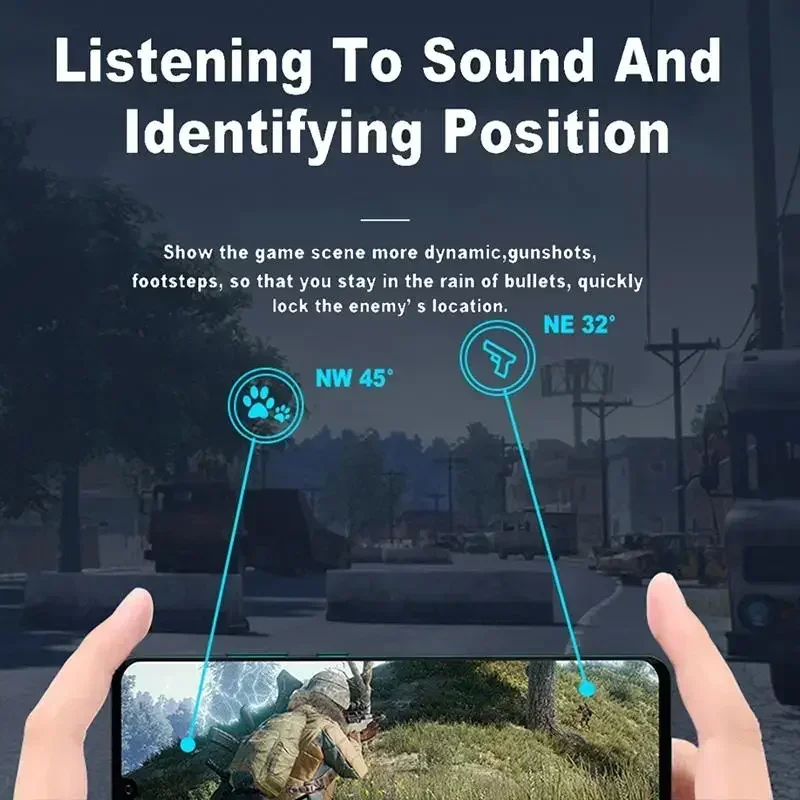

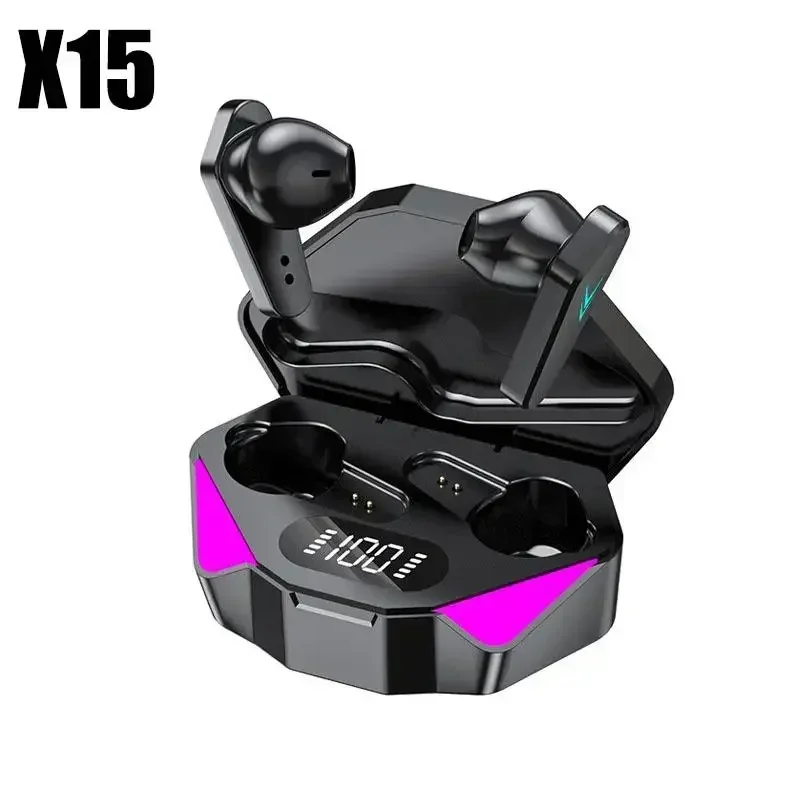


X15 TWS Bluetooth Wireless Earphones V5.1 In-Ear Headset for Sport And Gaming - Wholesale without Box Bluetooth Hearing Aids
$20.99

Q&A:
Why is there a problem that the earphones cannot connect after receiving them?
Due to the long transportation process of the product, it needs to be fully charged before use after receipt.
Bluetooth Connection Guide
If one earbud has no sound, it means the two earbuds failed to pair—not a quality issue!
Please follow the steps below (or refer to the video) to pair the Bluetooth:
Step 1: Pair the Two Earbuds
Open the case and remove both earbuds.
Place the two earbuds close together (they will enter pairing mode automatically).
The LED indicators will flash red and blue alternately.
When one earbud stops flashing, the pairing is successful.
Step 2: Connect to Bluetooth
After successful pairing, enable Bluetooth on your phone.
Search for and select the device named "TWS" to connect.
Once connected, the earbuds are ready to use.
⚠ Note: If pairing/connection fails, place both earbuds back into the case and repeat the steps.